How to watch IPTV UK on Windows and Mac
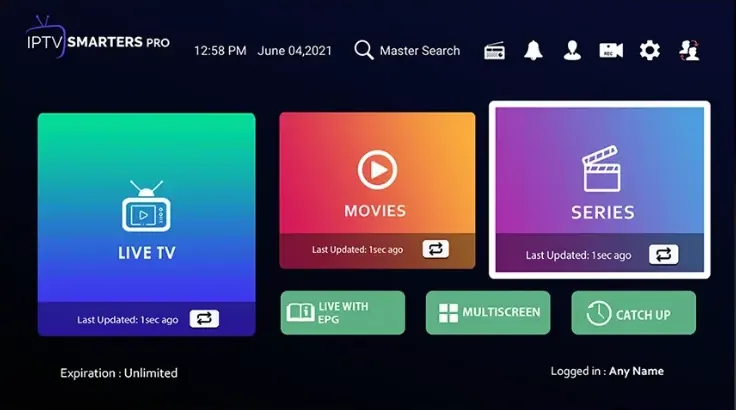
Watch WildBreed on a PC, laptop or MacBook with a desktop IPTV player. Start with the free IPTV Smarters Pro, or choose one of the paid Microsoft Store apps if you want extra features on Windows.
- About 10 minutes
- Beginner friendly
- Help on WhatsApp
Before you start
You will need a Windows 10 or 11 PC or a Mac, permission to install apps on it, and your WildBreed login. For the smoothest picture, plug a laptop into its charger and use a wired or 5 GHz Wi-Fi connection.
- Your WildBreed login from WhatsApp. No subscription yet? Get a free 24-hour trial or choose a plan.
- A steady connection: about 10 Mbps for Full HD, 25 Mbps for 4K.
Apps
Best IPTV apps for Windows
Start with the free IPTV Smarters Pro. If you want a different interface, the paid Microsoft Store apps below all offer a free trial.
About the paid apps. IBO Player Pro, Hot Player, Vu Player Pro and IPTV Expert each come with a free trial, so you can add your playlist and test properly before paying the app maker.
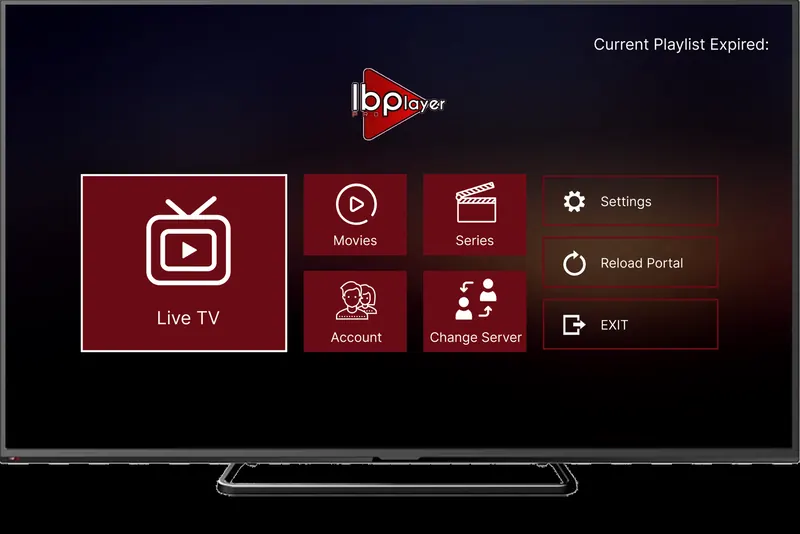
Get it from the Microsoft Store
App fee: about €8 (roughly £7) for life, with a 7-day free trial, paid to the app maker and separate from your WildBreed subscription.
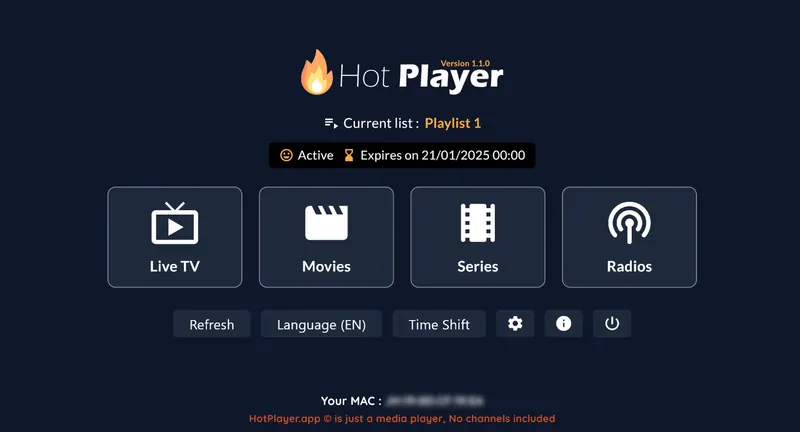
Get it from the Microsoft Store
App fee: €5.99 a year or €14.99 for life, with a 30-day free trial, paid to the app maker and separate from your WildBreed subscription.
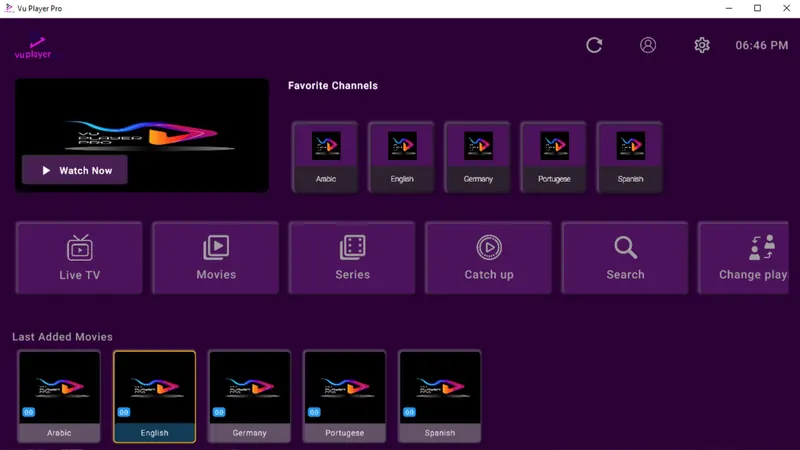
Get it from the Microsoft Store
App fee: paid, with a 7-day free trial, paid to the app maker and separate from your WildBreed subscription.
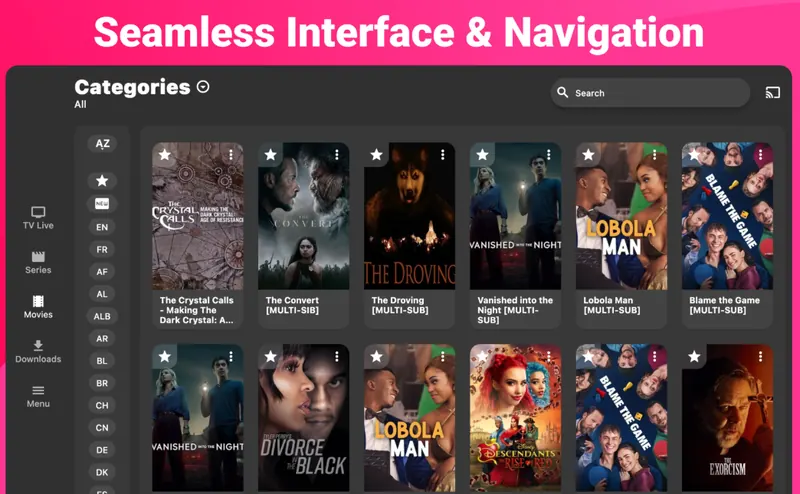
Get it from the Microsoft Store
App fee: paid, with a 7-day free trial, paid to the app maker and separate from your WildBreed subscription.
Apps
Best IPTV app for Mac
On macOS we recommend IPTV Smarters Pro. It is free, simple and logs in with the same Xtream Codes details as any other device.
Log in
How to log in on Windows and Mac
Your login is in the WhatsApp message we send when your order or trial is confirmed. Find your app below and follow its steps.
IPTV Smarters Pro, Vu Player Pro and IPTV Expert (Xtream Codes login)
- Open the app and choose Add Playlist. Some apps call it Add User or Login with Xtream Codes.
- Pick Xtream Codes, not M3U.
- Enter the username and password from your WildBreed message.
- If the app asks for a server URL, copy it from the same message exactly as written.
- Press Save or Add User, and your channels load.
IBO Player Pro and Hot Player (MAC address and M3U link)
- Open the app on your device. It shows your MAC address, and IBO also shows a Device Key.
- On your phone or computer, open the app's playlist page:IBO Player Pro playlist pageHot Player playlist page
- Enter the MAC address, plus the Device Key for IBO, exactly as shown on screen.
- Choose Add playlist, then M3U, and paste the M3U link from your WildBreed message.
- Give the playlist any name and press Save.
- Restart the app on your device, and your channels appear.
Hot Player has two separate pages, so do not mix them up: Upload is where you paste your M3U link (free during the trial), and Activation is where you pay for the app once you have tried it and want to keep it. Hot Player activation page
Lost your username, password or M3U link? Message us and we will resend it.
Troubleshooting IPTV on Windows & Mac
The Microsoft Store app won't install
Update Windows and the Microsoft Store app itself, sign in to the Store with your Microsoft account, then try the install again.
The Mac app won't install
Make sure you downloaded IPTV Smarters Pro from the official link on this page and that your version of macOS is supported. If it still will not open, message us and we will suggest another option.
Playback lags on my laptop
Plug in the charger, because battery-saving modes slow video down. Close heavy browser tabs and use a wired connection if you can.
My login is rejected
The server URL must start with http://, not https://. Copy it straight from your message, and check there is no space at the end.
Still stuck? Message us on WhatsApp with your device, the app you are using and a photo of any error, and we will sort it out with you.
Questions
Windows & Mac IPTV FAQ
Start with IPTV Smarters Pro, which is free. IBO Player Pro, Hot Player, Vu Player Pro and IPTV Expert from the Microsoft Store are paid alternatives with free trials.
IPTV Smarters Pro for macOS. It's free, and you log in with the same username, password and server URL as on any other device.
Yes, while it is playing. One connection means one stream at a time, so close the player on your laptop before watching on the TV, or choose 2 connections.
Other devices
More IPTV UK setup guides
FirestickSmart TVAndroidiPhone & iPadMAG BoxNvidia ShieldFormulerAll setup guides
Stuck on a step? We will set it up with you.
Message us on WhatsApp and we will walk you through it on your Windows & Mac, one button at a time.